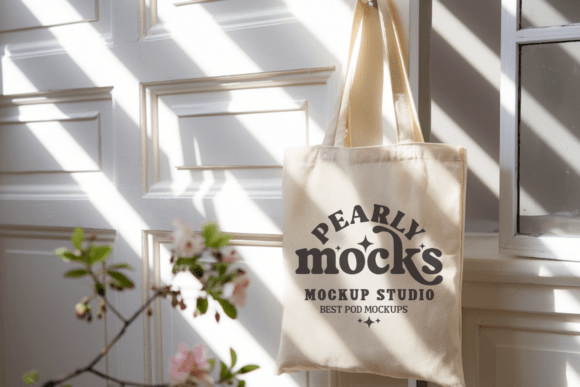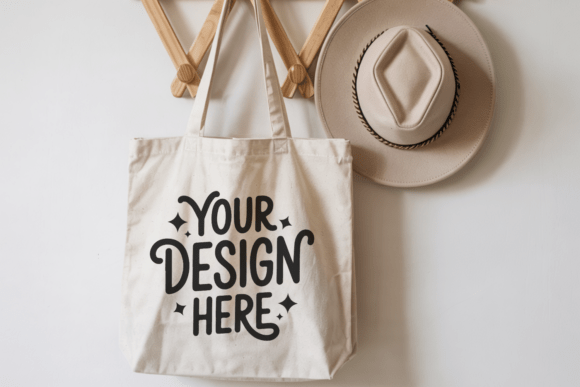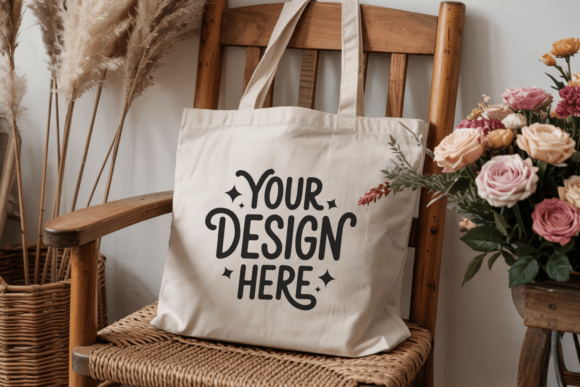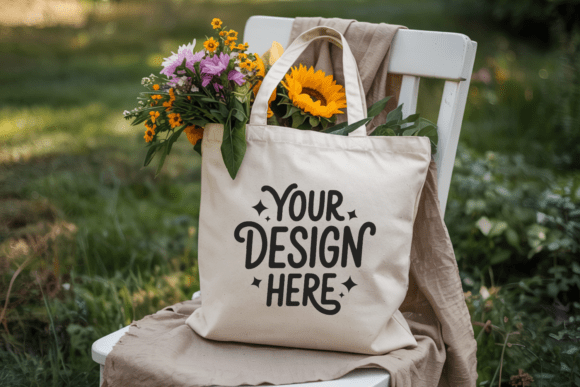
Natural Canvas Tote Bag Mockup 19
When you’re preparing a product launch, refining your brand’s visual identity, or pitching a new line of sustainable merchandise, how your design appears in context matters just as much as the design itself. Natural Canvas Tote Bag Mockup 19 is a high-fidelity, purpose-built visual tool that bridges the gap between concept and credibility—giving your flat artwork immediate realism, texture, and presence.
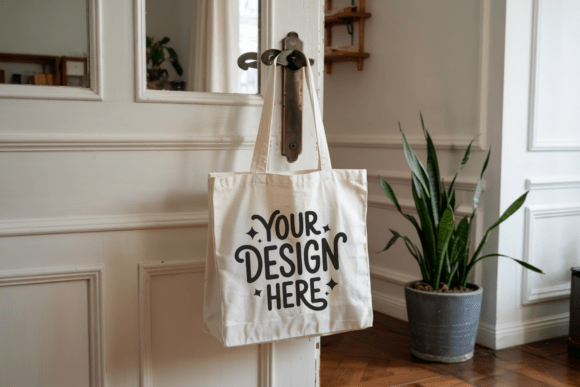
This isn’t just another generic tote bag mockup. It’s a thoughtfully composed, lifestyle-integrated asset: a folded, front-facing natural canvas tote with soft drape, subtle fabric grain, and clean handle placement—all captured at 300 DPI in JPEG format. There’s no text, no watermark, no distracting branding—just an uncluttered, neutral foundation for your work. That intentional minimalism makes it especially effective for brands leaning into earthy, boho, artisanal, or wellness-aligned aesthetics—but its versatility extends far beyond niche categories.
Where This Mockup Fits in Your Creative Workflow
You don’t need to wait until final artwork is locked to start using Natural Canvas Tote Bag Mockup 19. In fact, integrating it earlier often improves outcomes. For example:
- During client discovery: Drop a placeholder logo or color palette into the mockup before committing to full design iterations. Clients respond more confidently to visuals grounded in real-world context—not isolated vector files on a white background.
- In brand guideline development: Use it alongside your typography samples and icon set to demonstrate how assets function across physical touchpoints—especially important when building eco-conscious or handmade product lines.
- For social proof and sales enablement: Once live, repurpose the same mockup (with updated designs) across Instagram carousels, Etsy listings, email banners, and pitch decks—ensuring visual consistency without re-shooting or licensing stock photos.
Unlike photography-based alternatives, this mockup eliminates scheduling delays, model fees, studio rentals, and lighting revisions. It also sidesteps the inconsistency of user-generated content—no mismatched shadows, awkward folds, or inconsistent color grading. You control the light, the angle, the tone—and most importantly, the timeline.
Compatibility and Practical Integration
The Natural Canvas Tote Bag Mockup 19 arrives as a single high-resolution JPEG file—no PSD layers, no smart objects, no software dependencies. That simplicity is deliberate. It means you can open, place, and present it instantly in tools like Canva, Figma, Adobe Express, Google Slides, or even PowerPoint. No plugins, no learning curve, no compatibility checks.
If you're working in Photoshop or Affinity Photo and want deeper control, you can still use it effectively: paste your design onto a new layer, resize to fit the visible bag surface, and apply a subtle blending mode (like Multiply or Soft Light) to simulate natural fabric interaction. The canvas texture is visible but not overpowering—so your graphics retain clarity while gaining tactile authenticity.
It pairs well with complementary assets: flat-lay mockups for desktop presentations, lifestyle shots for social feeds, and printable label templates for packaging workflows. Because it’s labeled “Natural Canvas,” it aligns seamlessly with related searches like boho tote mockup, canvas bag mockup, or reusable bag mockup—but its clean execution avoids overcommitting to any one aesthetic, giving you room to pivot.
Using It Across Business Functions
Small business owners launching a zero-waste shop might use Natural Canvas Tote Bag Mockup 19 to preview seasonal collections—testing slogans, patterns, or embroidery placements before ordering physical samples. Educators designing sustainability curriculum materials can embed it into worksheets or slide decks to illustrate circular economy principles visually. Freelance designers building portfolio case studies use it to show process: sketch → digital render → realistic application.
Bloggers and content creators benefit too. A post comparing organic cotton vs. recycled polyester? Insert two versions of the same mockup—one labeled “GOTS-certified cotton,” the other “100% rPET”—to make material differences tangible. An email sequence introducing a new product line? Lead with the mockup, then follow up with behind-the-scenes notes about sourcing or production ethics. The mockup becomes both hook and anchor.
Quality Control and Long-Term Usability
Because the file is delivered at 300 DPI and contains no embedded text or watermarks, it scales cleanly for both digital and print use. Whether you’re generating a 48” trade show banner or a thumbnail for Pinterest, the resolution holds. And because it’s licensed for both personal and commercial use, you won’t hit legal roadblocks mid-campaign—no need to rework assets if your side project becomes a full-time venture.
That said, longevity depends on disciplined organization. Save a master version with your original filename (Natural_Canvas_Tote_Bag_Mockup_19.jpg) untouched. Create dated copies for each project (mockup_moonlight_crafts_2024.jpg). Store them in a dedicated “Mockups” folder nested under your brand assets library—not buried in a “Downloads” directory where they’ll get lost after three months.
Also consider color accuracy. While the base canvas tone is intentionally neutral (a warm off-white with faint beige undertones), monitor calibration matters. If you’re matching Pantones or prepping for print, soft-proof the mockup against your output profile first—especially when pairing with deep indigos, charcoal greys, or muted sage greens.
Realistic Expectations and Smart Implementation
This mockup excels at what it’s designed to do: present flat designs on a believable, textured, natural-fiber tote. It does not simulate motion, lighting shifts, or dynamic angles—but that’s by design. Overly complex mockups often sacrifice usability for realism. Natural Canvas Tote Bag Mockup 19 prioritizes speed, clarity, and repeatability—making it ideal for iterative work, rapid prototyping, and consistent branding across channels.
One practical tip: Use it to test hierarchy. Before finalizing a layout, drop your design into the mockup and step back. Does the focal point land where intended? Is text legible at thumbnail size? Does the balance of negative space support your message—or compete with it? These are hard questions to answer on a blank artboard. On a realistic tote surface, the answers become visible faster.
Finally, remember that mockups serve your audience—not your ego. A clean, credible presentation builds trust. A cluttered, inconsistent, or low-res visual undermines even the strongest concept. With Natural Canvas Tote Bag Mockup 19, you’re not just saving time—you’re reinforcing professionalism, intentionality, and attention to detail at every stage of your workflow.