Natural Canvas Tote Bag Mockup 11
If you’ve ever spent hours perfecting a logo, hand-lettered quote, or seasonal illustration—only to drop it onto a cluttered, low-res background that kills the vibe—you know how much hinges on presentation. That’s where Natural Canvas Tote Bag Mockup 11 steps in—not as just another digital prop, but as a quiet, reliable tool for people who care about clarity, authenticity, and getting their work seen the way it was meant to be seen.
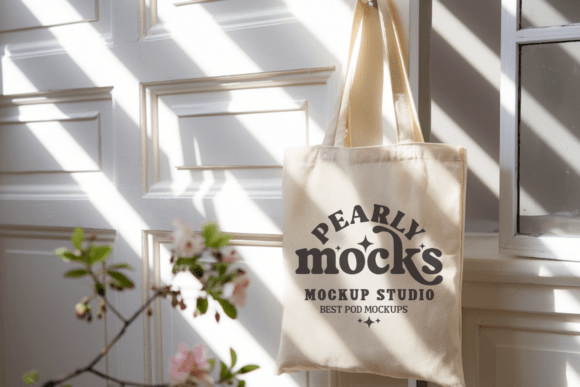
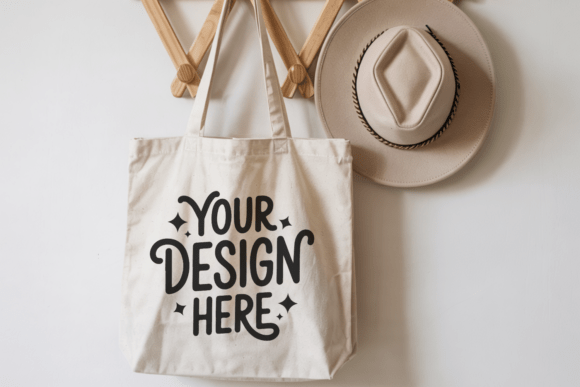
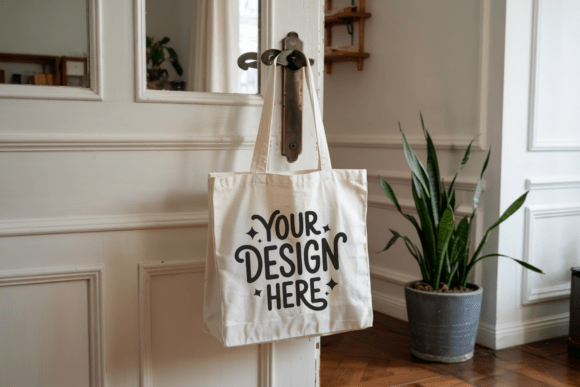
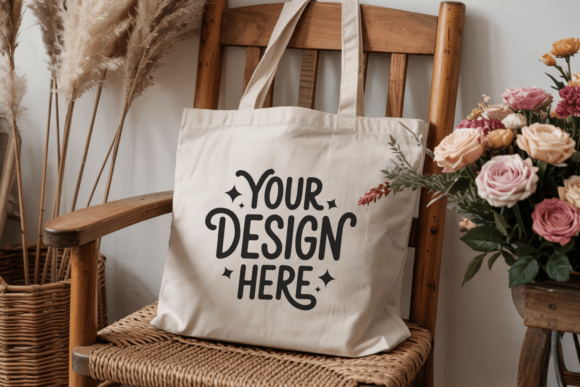
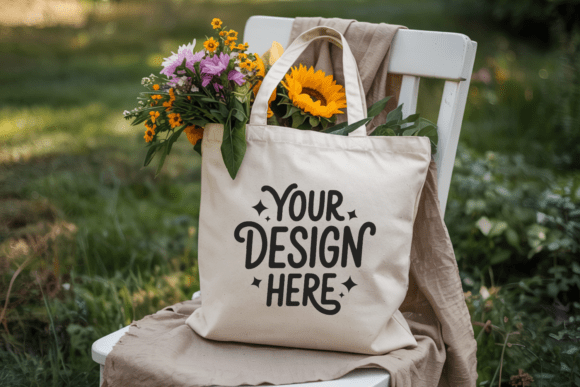
This isn’t a flashy 3D render with exaggerated shadows or artificial lighting. It’s a clean, high-resolution JPEG shot at 300 DPI, showing a softly folded natural canvas tote bag resting on a neutral surface—handles visible, fabric texture gently pronounced, no text, no watermarks, no distractions. The result? A minimalistic, personable, quietly confident look that lets your design breathe and speak for itself.
When You Need It More Than You Realize
Think about the last time you updated your Instagram shop page, sent a pitch to a local café for custom merch, or prepared visuals for a craft fair application. Those moments don’t call for complexity—they call for speed, consistency, and trustworthiness. Natural Canvas Tote Bag Mockup 11 fits right into those real-world gaps.
A freelance illustrator uses it to show clients how their botanical line art translates onto sustainable packaging—no need to stage a photoshoot, no waiting for samples. A small-batch soap maker drops her lavender-and-oat label onto the mockup to preview how it’ll look on reusable shopping bags for an upcoming farmers’ market. A teacher designing a “Zero Waste Week” classroom project uses it to create printable handouts that feel tangible and grounded—not generic clipart.
Who Uses It—and Why It Fits Their Workflow
Small business owners appreciate that this mockup works instantly inside free tools like Canva or Photoshop Elements. No layers to manage, no smart objects to unlock—just open, place your design, and export. It’s especially useful when launching limited runs: imagine sending a clean, cohesive visual to your printer before ordering 50 canvas totes, or using it in a Kickstarter update so backers see exactly how their support becomes something real and tactile.
Educators and workshop leaders find it helpful for visual literacy exercises—comparing how the same design reads differently on a bright white tote versus a natural canvas one, or discussing material choices and sustainability messaging. Because the mockup is realistic but neutral, it invites conversation instead of overwhelming students with style.
Bloggers and content creators use it to build consistent branded assets across posts—say, pairing a minimalist quote mockup with a flat lay photo of coffee and notebooks. It helps maintain aesthetic continuity without needing a studio setup or retoucher. And because it’s labeled “natural canvas,” it subtly reinforces values like simplicity, earthiness, and intentionality—qualities many lifestyle and wellness audiences respond to.
What Makes This Mockup Actually Practical (Not Just Pretty)
- No editing required to look professional—the lighting is even, the fold is relaxed but intentional, and the canvas tone sits comfortably between ivory and oatmeal, avoiding the starkness of pure white while staying versatile enough for light or dark designs.
- It supports both digital and physical next steps—whether you’re building a Shopify product page, preparing files for a local screen printer, or drafting a grant application that requires visual examples of proposed merchandise, this mockup bridges the gap between concept and execution.
- You own full usage rights for commercial projects, which matters if you’re designing for clients or selling your own printed goods. No hidden licensing traps—just straightforward, ethical use.
Things to Keep in Mind Before You Download
Because Natural Canvas Tote Bag Mockup 11 is intentionally minimal, it won’t suit every scenario. If you need dramatic angles, lifestyle context (like someone holding the bag), or multiple color variants, this isn’t the mockup for you—it’s built for calm, focused impact, not theatrical variety.
Also, since it’s delivered as a single high-res JPEG (not a layered PSD), users who rely heavily on precise masking or complex shadow adjustments may want to pair it with basic photo-editing knowledge—or keep it simple. The strength lies in its restraint: one clean image, ready to showcase what matters most—your design.
And while it’s called a “natural canvas” mockup, remember that real canvas varies: some batches are tighter-woven, others softer and more slubby. This version leans toward the latter—subtle texture, gentle drape—so if your brand voice is crisp, architectural, or ultra-modern, test how your artwork lands before committing to a full campaign.
Real Moments Where It Makes a Difference
A ceramicist in Portland used Natural Canvas Tote Bag Mockup 11 to visualize her new “Clay & Carry” collection—hand-thrown mugs paired with branded totes. She dropped her signature stamped logo onto the mockup, added a short caption about reuse and ritual, and posted it to Instagram. Within two days, she had pre-orders from three local bookshops—all based on that one clear, warm, uncluttered image.
A nonprofit organizing a community garden day used the same mockup to design volunteer thank-you gifts. Instead of rushing a generic design to print, they mocked up a simple sunflower motif on the tote, shared it in their newsletter, and let supporters vote on the final version. Engagement spiked—and the tote became a quiet symbol of shared effort.
Even hobbyists benefit: someone learning sublimation printing used the mockup to test color accuracy and placement before running their first heat press cycle. Seeing how their floral pattern aligned with the handle seam helped them adjust spacing and avoid costly mistakes.
In all these cases, Natural Canvas Tote Bag Mockup 11 wasn’t the star—it was the steady, supportive backdrop that made other things possible. It didn’t shout. It held space. And that’s often exactly what good design tools do best.