Natural Canvas Tote Bag Mockup 15
If you're designing for a brand that values simplicity, sustainability, or handmade charm, Natural Canvas Tote Bag Mockup 15 is a quietly powerful tool. It’s not just another placeholder image—it’s a high-fidelity visual canvas that helps your artwork, logo, or typography feel real, grounded, and thoughtfully presented.
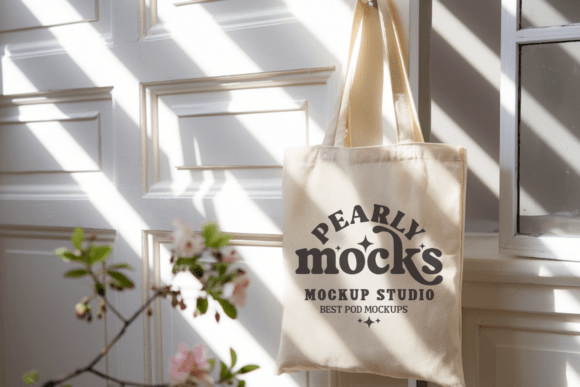
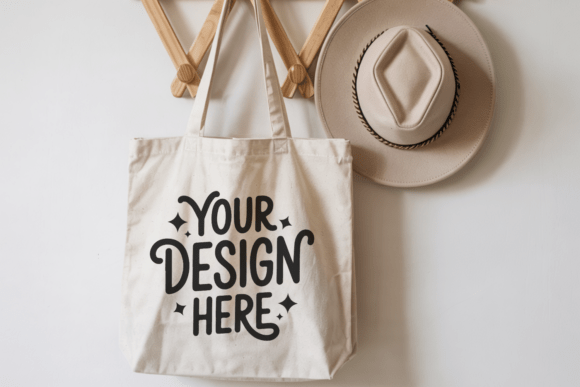
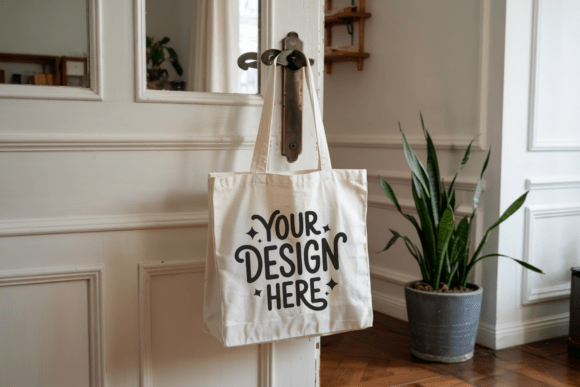
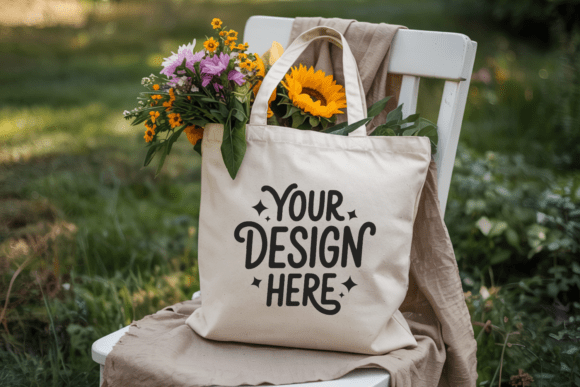
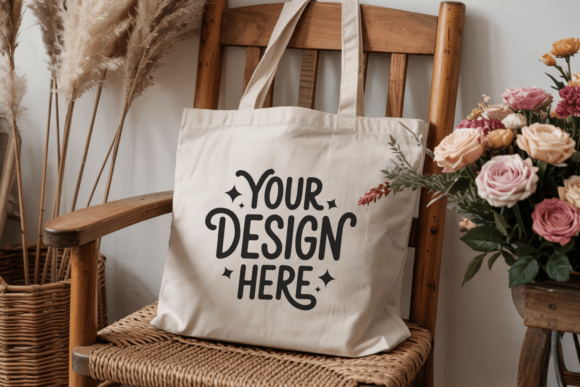
This mockup shows a folded, minimalist tote bag made from natural canvas—light beige, slightly textured, with soft folds and clean handles. It’s styled in a flat-lay composition, giving your design space to breathe while still conveying dimension and material honesty. There’s no clutter: no logos, no watermarks, no distracting shadows or filters. Just a crisp, 300 DPI JPEG ready to drop your artwork into seamlessly.
Why this mockup stands out for real-world use
Unlike generic tote bag mockups with stiff poses or artificial lighting, Natural Canvas Tote Bag Mockup 15 leans into authenticity. The subtle grain of the canvas, the gentle drape of the folded sides, and the relaxed curve of the cotton rope handles all support a “real product” impression—ideal if you’re pitching to eco-conscious clients, launching a small-batch shop, or building a cohesive brand aesthetic.
It works especially well for creators who want their designs to feel intentional—not flashy, but considered. Think: a hand-lettered quote on a reusable shopping bag, a botanical illustration on a craft fair tote, or a monochrome logo for a yoga studio’s merch line. Because the background is neutral and the lighting even, your colors stay true, and your typography stays legible.
Who benefits most—and how
Small business owners often use this mockup to preview packaging before ordering samples—saving time and money. You can show a client exactly how their slogan will look centered on the front panel, or test whether a small icon reads clearly near the handle seam.
Bloggers and educators appreciate its clean layout for tutorials—like demonstrating how to screen-print on canvas or explaining color theory using real-world applications. A simple drag-and-drop into Canva or Photoshop makes it easy to annotate or layer teaching points.
Freelance designers and marketers rely on it to build consistent social media assets. One design, multiple uses: Instagram post, Pinterest pin, email header, or Etsy listing thumbnail—all without reshooting photos or hiring a product photographer.
Even hobbyists find value here. If you sew, embroider, or sublimate custom totes as gifts or side income, this mockup lets you share polished previews with friends or local shops—no studio setup required.
What you get—and what you don’t need to worry about
You receive a single, high-resolution JPEG file—no layers, no PSD complexity, no learning curve. It’s designed for quick, confident use. Just open it in your favorite editor, paste your design onto the smart object (or use clipping masks), and adjust scale or position until it feels right.
Importantly, it’s fully licensed for both personal and commercial use. That means you can feature it in client presentations, sell printed products using the mockup visuals, or include it in digital product bundles—as long as you’re not reselling the mockup itself, editing its base structure, or distributing it as a standalone file.
Because it contains zero text, tags, or watermarks, you retain full creative control over messaging. Your brand voice stays front and center—no competing visuals diluting your message.
Practical tips before you begin
- Match your design’s tone. Natural canvas reads warm, organic, and approachable—so bold neon graphics or ultra-glossy effects may clash. Soft gradients, earthy palettes, or hand-drawn elements tend to harmonize best.
- Respect the fold. Since this is a folded tote mockup, avoid placing critical elements directly along the central crease—important text or icons might visually disappear into the shadow or distortion there.
- Keep proportions realistic. Canvas totes have generous surface area, but the front panel isn’t infinite. Test your design at actual print size (e.g., 10" × 12") before finalizing placement.
- Think beyond the bag. Pair this mockup with lifestyle shots—a coffee cup beside it, a notebook resting on top, or a sunlit shelf backdrop—to build richer context for your audience.
A few thoughtful alternatives to consider
While Natural Canvas Tote Bag Mockup 15 excels for minimal, tactile presentations, your project might call for something different. For example:
- A lifestyle tote mockup if you need people holding bags in natural settings;
- A sublimation tote mockup if you’re showcasing full-wrap prints;
- A white tote bag mockup for maximum contrast with dark designs;
- A boho tote mockup if your brand leans into woven textures or fringe details.
But if your goal is clarity, calm, and quiet confidence—this mockup delivers without asking for extra effort.
It doesn’t shout. It invites. And in a crowded digital space, that kind of presence matters more than ever.