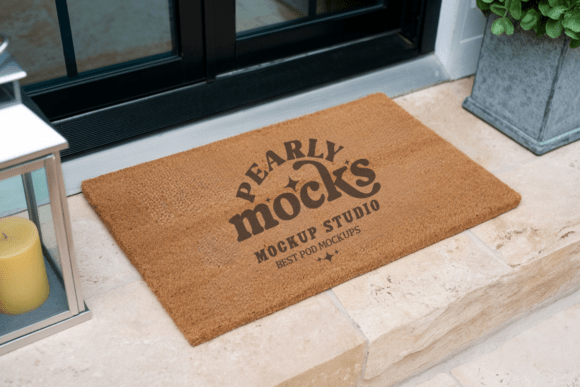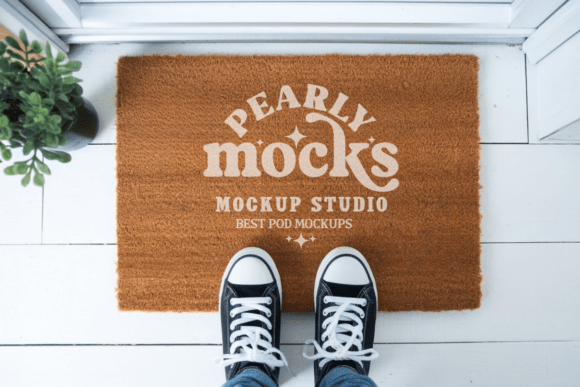
Doormat Mockup, Door Mat Mockup 48
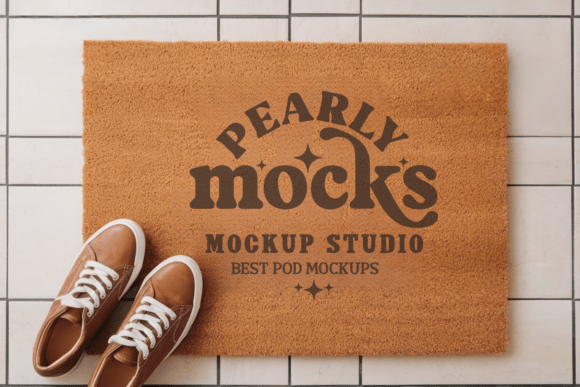
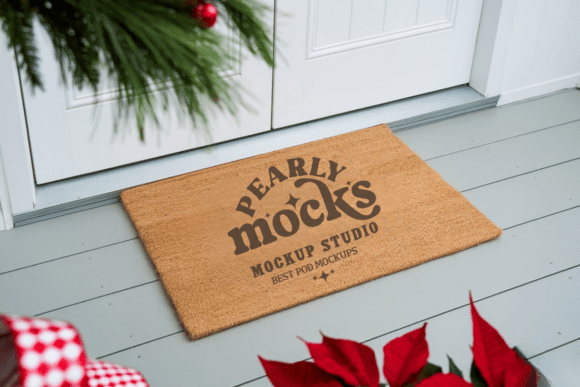
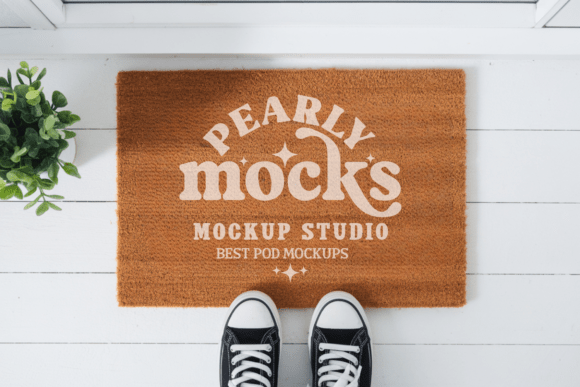
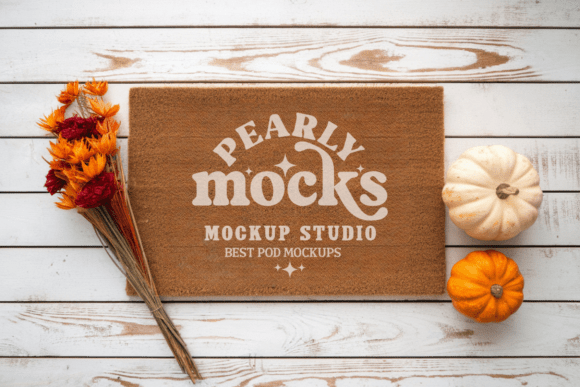
A Doormat Mockup, Door Mat Mockup 48 is a high-resolution, professionally styled digital template designed to display your custom doormat artwork in a realistic, appealing setting. It’s not a physical product — it’s a smart visual tool: a single JPG file (300 DPI) that layers your design onto a lifelike coir or natural-fiber doormat, placed in soft, natural light against a clean, minimalist background. Think of it as a “photo studio in a file” — ready to help you present your work with clarity, warmth, and quiet confidence.
Why This Matters — Depending on Who You Are
What makes this mockup useful isn’t just its quality — it’s how flexibly it serves different goals. A freelance designer pitching to a home goods brand doesn’t need the same thing as a teacher preparing a classroom craft project, and neither has the same priorities as a small-batch maker listing on Etsy. Let’s break it down by real-world use.
For Beginners & Hobbyists
If you’re new to design or selling online, getting professional-looking product images can feel overwhelming. You might not own a camera, studio lights, or editing software — and you shouldn’t need to. The Doormat Mockup, Door Mat Mockup 48 removes that barrier. With no Photoshop expertise required, you can open the file in Canva, drag in your “Welcome” lettering or seasonal illustration, resize it to fit, and export a polished image in under two minutes. That means faster social posts, clearer craft fair signage, or more trustworthy listings — without investing time in learning complex tools.
For Designers & Creatives
You care about fidelity, flexibility, and speed — especially when juggling client revisions or seasonal collections. This mockup delivers crisp 300 DPI output, so your fine-line typography or delicate botanical patterns stay sharp in thumbnails and print-ready assets. Because it’s fully layered and watermark-free, you can adjust shadows, lighting balance, or even composite multiple versions (e.g., “Spring” vs. “Fall” variants) without starting from scratch. For designers who value clean files and predictable results, that reliability saves hours per project.
For Small Business Owners & Sellers
When every product image affects conversion, consistency matters. Using the same high-quality mockup across your Etsy shop, Instagram carousel, or email newsletter builds visual trust. Customers recognize your brand’s tone — warm, natural, uncluttered — before they even read your description. And because this mockup leans into farmhouse, rustic, and minimalist aesthetics, it aligns well with popular home décor categories without forcing trends. No need to stage, shoot, or retouch dozens of real mats — one download does the work of a photoshoot.
For Educators & Workshop Leaders
Teachers using design tools like Canva in art or marketing classes often need accessible, copyright-safe resources for student projects. This mockup fits neatly into lesson plans: students learn composition, color theory, and branding by applying their own concepts to a real-world format. Since it’s a simple JPG (no fonts or layers to manage), it avoids technical hiccups — letting focus stay on creative thinking, not software troubleshooting.
What Makes This Mockup Practical — Not Just Pretty
It’s not just about looks. Several quiet details make the Doormat Mockup, Door Mat Mockup 48 genuinely usable day after day:
- No software lock-in: Works in Canva, Photoshop, GIMP, Affinity Photo — even free editors that support JPG layering via blending modes.
- True-to-life texture: The brushed coir surface shows subtle grain and depth, helping your design look grounded — not pasted on.
- Natural-light neutral base: Designed for soft ambient lighting, so your colors stay readable whether viewed on a phone screen or printed on a catalog page.
- Zero distractions: No logos, watermarks, or forced branding — just your art, the mat, and space to breathe.
That last point matters more than it sounds. Many mockups add stylized shadows or dramatic angles that compete with your design. This one keeps the focus where it belongs: on your work.
When It Fits — and When to Look Elsewhere
This mockup shines for designs meant for natural-fiber, rectangular welcome mats — especially those with earthy, seasonal, or hand-drawn appeal. It works beautifully for spring garden themes, cozy autumn greetings, farmhouse monograms, or minimalist typography. If your project calls for a round rubber mat, a bold geometric outdoor rug, or a highly saturated modern aesthetic, this may not match your vision — and that’s okay. Tools should serve intent, not force conformity.
Also keep in mind: screen brightness and ambient light affect how colors appear in the final preview. What looks slightly muted on your laptop may pop perfectly on a customer’s tablet. For critical color matching, always test across devices — or pair this mockup with a physical proof if production depends on exact hue fidelity.
Getting Started Is Literal Minutes
There’s no setup, subscription, or learning curve:
- Download and unzip the folder.
- Open the JPG in your preferred editor (Canva users: upload as a background image, then add your design as a new layer).
- Drag your artwork into place — scale and center it over the mat area (a light guide zone is built in).
- Export as JPG or PNG. Done.
No plugins. No account sign-ups. No waiting for renders. Just your idea — instantly elevated.
Your designs deserve to be seen the way they’ll live: welcoming, grounded, and quietly intentional. Whether you’re sketching your first “Hello” sign or launching your tenth seasonal collection, the Doormat Mockup, Door Mat Mockup 48 meets you where you are — and helps your work land exactly where it should.