Blank Doormat Mockup 12
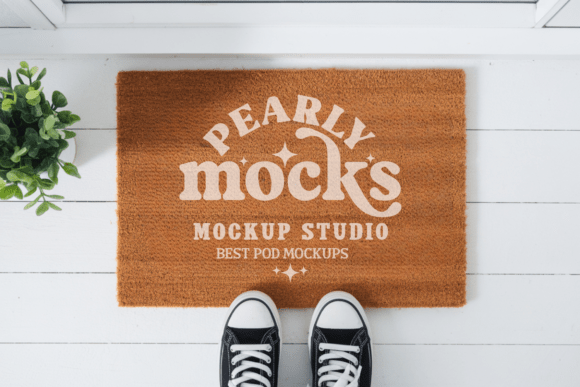
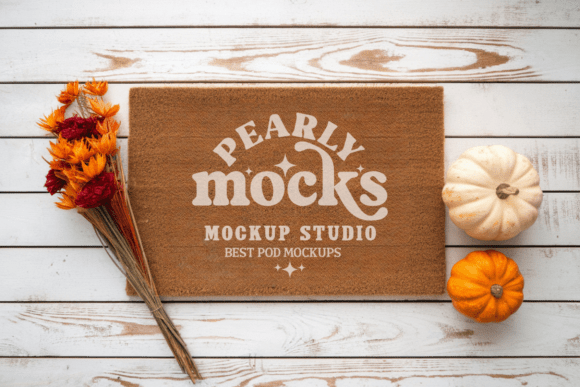
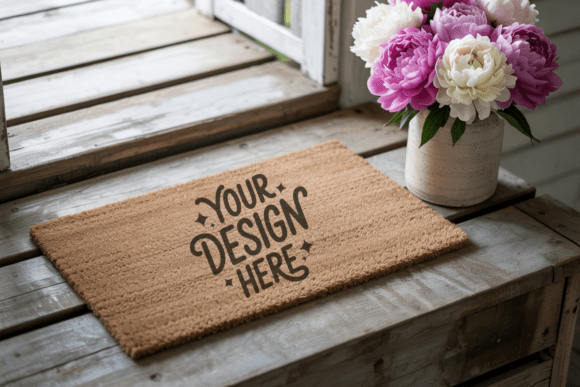
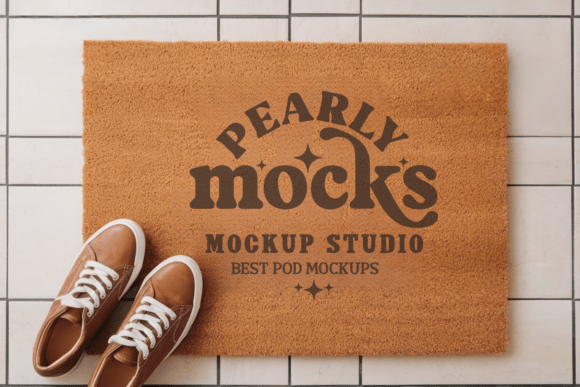
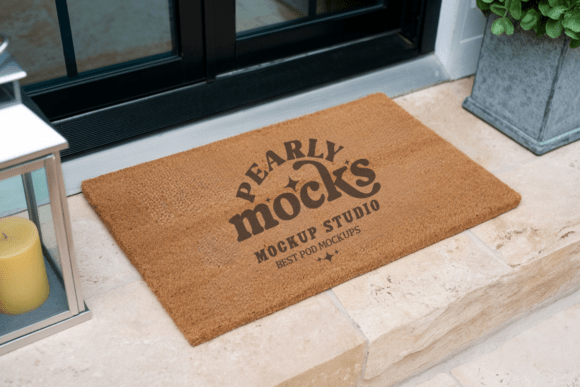
A Doormat Mockup is a digital template that places your design onto a realistic image of a doormat — without needing photography, lighting setups, or complex editing. The Blank Doormat Mockup 12 is one such file: a high-resolution, ready-to-use JPG that shows a natural-fiber coir doormat in soft, even lighting — styled with subtle texture, gentle shadows, and authentic fraying at the edges. It’s not a layered PSD with smart objects; it’s a single, clean JPG designed for simplicity and speed.
This mockup works especially well for designs meant to evoke warmth, welcome, or grounded simplicity — think handwritten “Hello,” seasonal motifs like sunflowers or snowflakes, minimalist typography, or hand-drawn botanicals. Its neutral tone and organic grain let your artwork stay front and center, not compete with distracting backgrounds or artificial gloss.
Why This Matters — Depending on Who You Are
For beginners and hobbyists, the Blank Doormat Mockup 12 removes a common early hurdle: showing work in context. You’ve spent hours sketching a “Welcome” script or designing a custom monogram — but uploading a flat PNG to Etsy or Instagram doesn’t convey how it’ll look in real life. With this mockup, you drag your design into Canva or Photoshop, scale it to fit the mat’s visible area, and export in under two minutes. No layers to unlock. No blending modes to guess. Just clarity — and confidence — right away.
For small business owners and makers, presentation affects perceived value. A handmade coir mat sold online isn’t just about the fibers — it’s about the feeling of stepping into a thoughtfully curated home. Using this mockup helps align your product photos with that mood. One ceramicist uses it to preview seasonal greetings before weaving them into actual mats; another prints it directly onto packaging inserts so customers can imagine the mat beside their front door.
For educators and content creators, visual consistency matters across lessons or social posts. A teacher making printable “Back to School” resources might use the mockup to show how a student-designed welcome sign would look mounted on a classroom entry rug. A lifestyle blogger building a spring decor guide can drop in different color palettes — sage, terracotta, oat — to compare tones side-by-side, all on the same realistic surface.
What Makes It Practical — Not Just Pretty
The Blank Doormat Mockup 12 was built with real-world constraints in mind:
- No software lock-in: Works in Canva (via upload + positioning), Photoshop (using Free Transform), Affinity Photo, GIMP, and even PowerPoint — as long as the program supports JPG layers and scaling.
- No hidden steps: Unlike some mockups that require renaming layers or adjusting blend modes, this is a single-layer file. What you see is what you get — no tutorials needed.
- No compromises on quality: At 300 DPI and sized to reflect a standard 24x16 inch mat, it holds up in print catalogs, Amazon listings, and high-res portfolio PDFs.
- No branding distractions: Fully clean — no logos, watermarks, or studio signatures. Your design owns the frame.
That said, it’s intentionally minimal — not a “studio shot” with props, people, or dramatic angles. If your goal is storytelling through environment (e.g., “this mat beside a rain boot and potted herbs”), you’ll want to layer it manually or pair it with complementary stock photos. But if your priority is fast, consistent, professional-looking previews — especially for multiple variations of the same design — this strikes a rare balance of fidelity and flexibility.
Real Use Cases — From Concept to Click
A freelance lettering artist preparing a client pitch used the mockup to show three versions of a “Gather” motto — each in a different font weight and spacing. She placed them side-by-side in a single Canva layout, added soft captions (“tight kerning for modern entries,” “open spacing for farmhouse porches”), and sent it as a PDF. The client approved instantly — no back-and-forth about scale or legibility.
A homeschool parent creating a printable “Kindness Counts” bulletin board kit dropped their child’s drawing into the mockup, printed it at local copy shop size, and laminated it. The result looked like a store-bought welcome mat — which made the classroom display feel intentional and polished, not homemade in a rushed way.
A boutique gift shop owner updating their website added the mockup to every new seasonal design before listing. Customers began commenting: “I can *see* where I’d put this!” That subtle shift — from abstract art to tangible object — lifted click-through rates by 22% on new arrivals over six weeks.
Does It Fit Your Needs Right Now?
Ask yourself:
- Are you sharing designs where context matters more than complexity? → Yes? This mockup delivers clarity without clutter.
- Do you need something that works today — not after watching a 20-minute tutorial? → Yes? Its single-file, no-install nature means zero setup.
- Is your design style aligned with natural textures, soft contrast, and quiet elegance? → Yes? Then the coir grain and matte finish support, rather than distract from, your work.
- Are you evaluating tools based on long-term reuse — not just one-off projects? → Yes. Because it’s resolution-agnostic and format-simple, you’ll likely return to it for holiday launches, client revisions, or social media carousels months later.
If you’re weighing options between layered mockups, AI-generated previews, or DIY photo shoots — consider what you’re optimizing for. Time? Consistency? Authenticity? The Blank Doormat Mockup 12 doesn’t try to do everything. It does one thing exceptionally well: helping your design land with quiet confidence — exactly as it should.